$ cat /about
Software Distribution ◆ PTIS Betong
Download Terminal
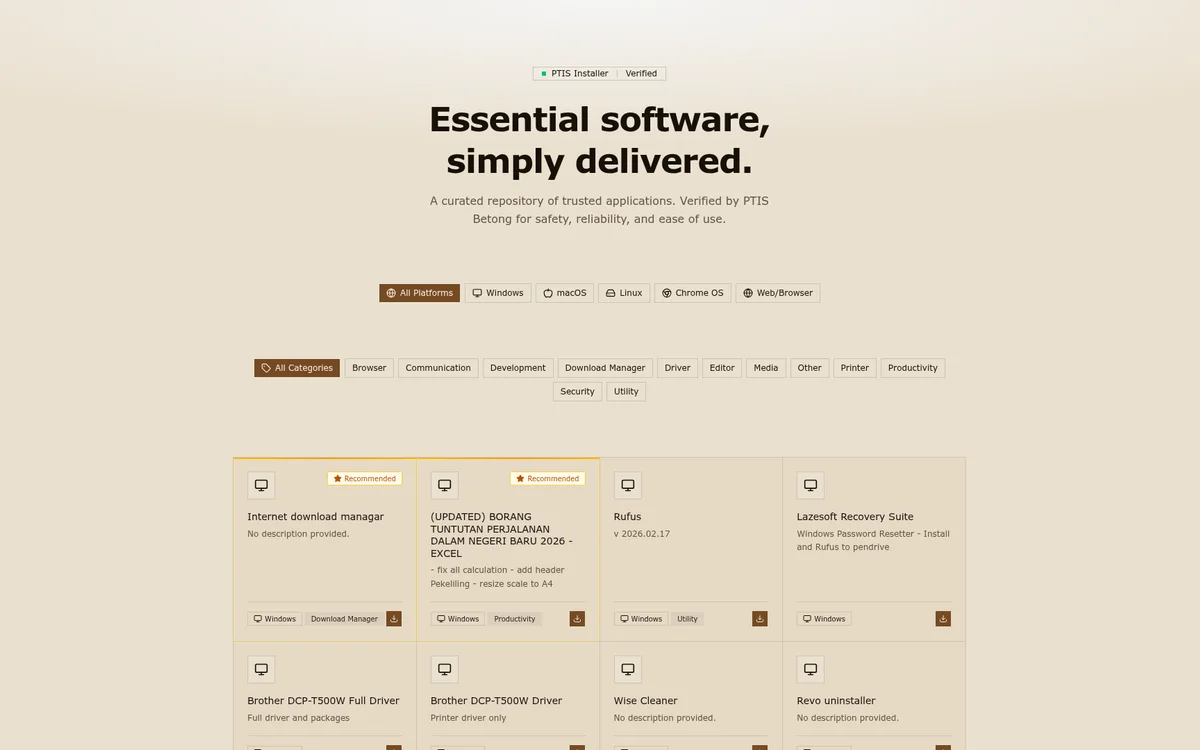
Akses pantas kepada semua perisian penting sekolah. Selamat, terkini, dan mudah dipasang.
$ ls -la /software/
Sistem Operasi/
Produktiviti/
Pelayar Web/
Utiliti Sistem/
How it works
Staff opens the Installer portal and browses 4 categories of approved software.
Pick the software needed — all from verified, official sources. No hunting for URLs.
One-click download via local PTIS repository. Fast, saves school internet bandwidth.
Run the installer. Always the latest version with current security patches.
Perisian Tersedia
Kategori
Install
Repository
$ stack --list
More Work
Ready to Start?
Whether you need a complete website overhaul or a fresh brand identity, we're here to help your business grow online.